


One more for the roll.


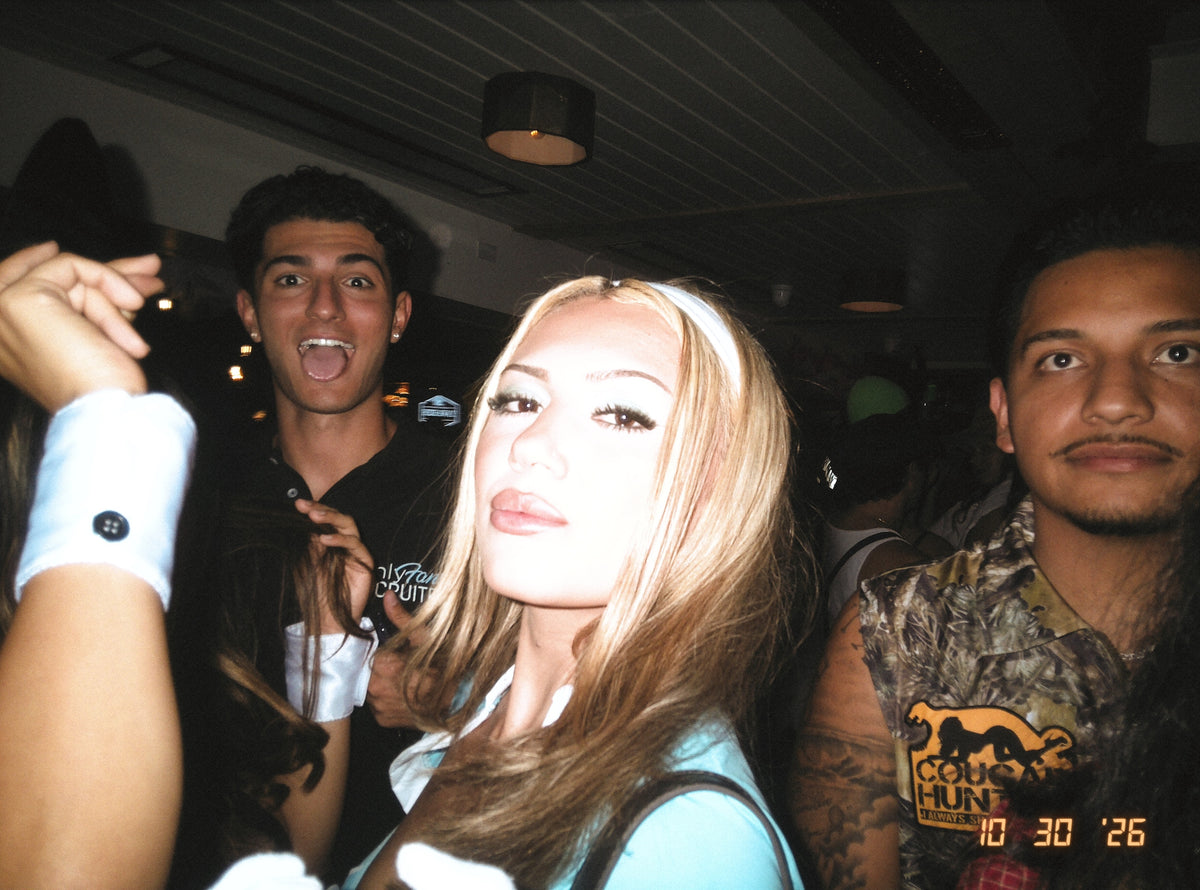
For the way you see your people. Three built-in looks, xenon flash, and no screen to pull you out of the moment.
Film-inspired photos. No photo preview. A little more being there.
Plug it into your phone to download your photos. Add the optional (not required) mobile app for more customization.
*Based on 3.2 MB per photo. Actual capacity varies with usable card space.
Estimated shipping: late 2026.
The selfie. The whole group. The friend on the other side.
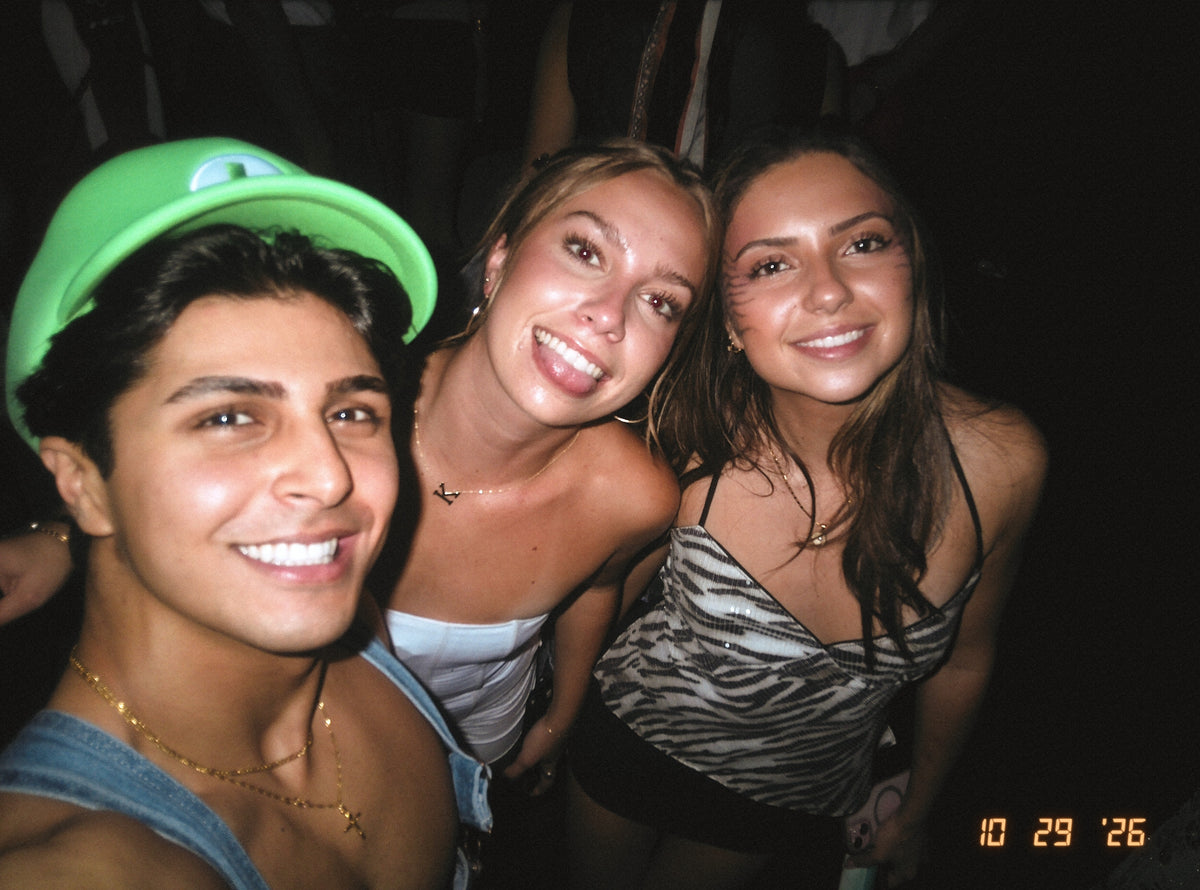







On the camera: Off (no flash), Medium, High.

Medium flash still a little bright up close?
With the camera on and medium flash selected, click the power button once to lower the selfie flash. The LCD screen flashes "SELF" to let you know selfie mode is on.
Click the power button again to return to your regular flash setting. "SELF" stops flashing on the LCD screen when selfie mode is off.
The people are yours. The places are yours. Choose the look that feels like you.
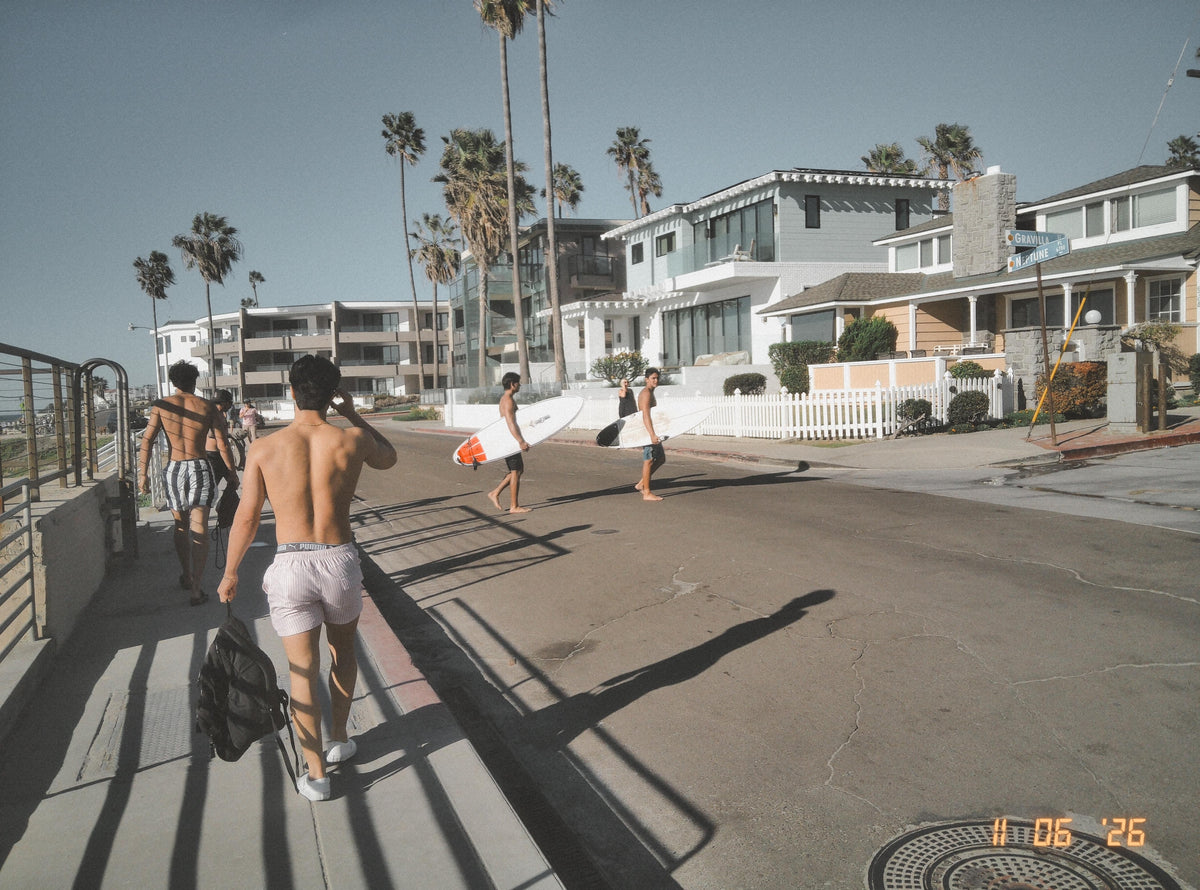



Real photos. Shot on DigiFilm in Retro, Daze, and Mono.
Retro, 1 of 3Pick a look. Set your flash. Take the shot.
Then get back to whatever’s happening.

Choose Retro, Daze, or Mono on the camera. Then put your attention back on the people in front of you.
Slide the flash switch to suit the moment.
Keep the flash off.
For selfies and up-close shots.
For bigger groups and people farther away.
A quick glance at the essentials, so you can get back to the moment.
All the essentials. No photo preview.
No film to buy. No developing fees.


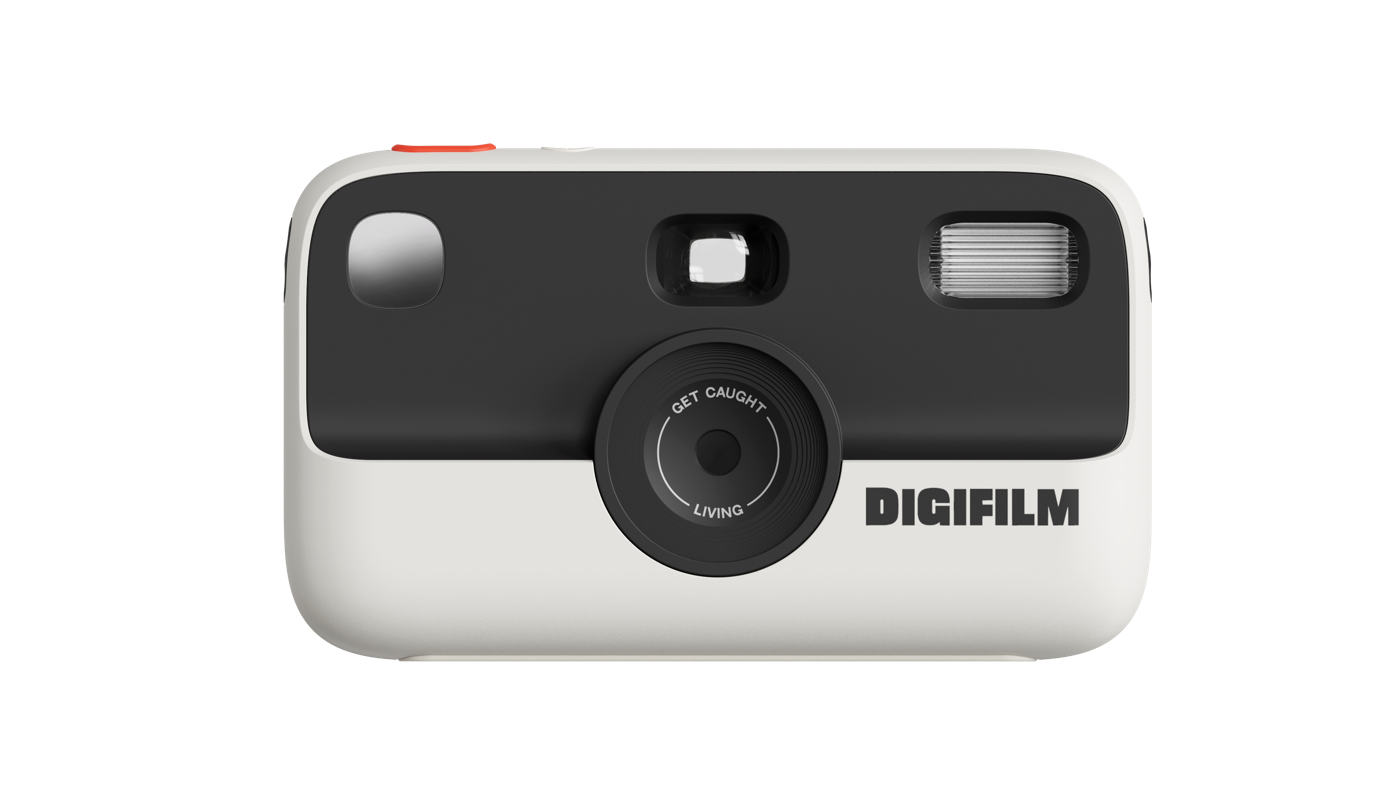 YOUR DIGIFILM


Use the included USB-C cable to connect DigiFilm to your phone.
Tap Import at the bottom, as shown here. On other iOS versions, select the connected camera under Devices or look for Import.
Choose your favorites, or tap Import All. Wait for the import to finish before disconnecting.
Open Files → Browse → Locations, then choose the connected camera. Select the photos and copy them to a folder on your phone.
Apple’s Files guide ↗Import’s location varies by iOS version. Apple’s import guide ↗
Plug DigiFilm into your phone with the included USB-C cable.
Find the camera under USB or Storage devices. Allow access if your phone asks.
Select the photos, choose Copy to, and save them to a folder on your phone. Wait for the copy to finish before disconnecting.
Names and steps can vary by phone. This guide follows Files by Google. Google’s USB guide ↗
Want more customization? Make Mood your own, bring your photos over wirelessly, and turn your favorites into monthly prints.
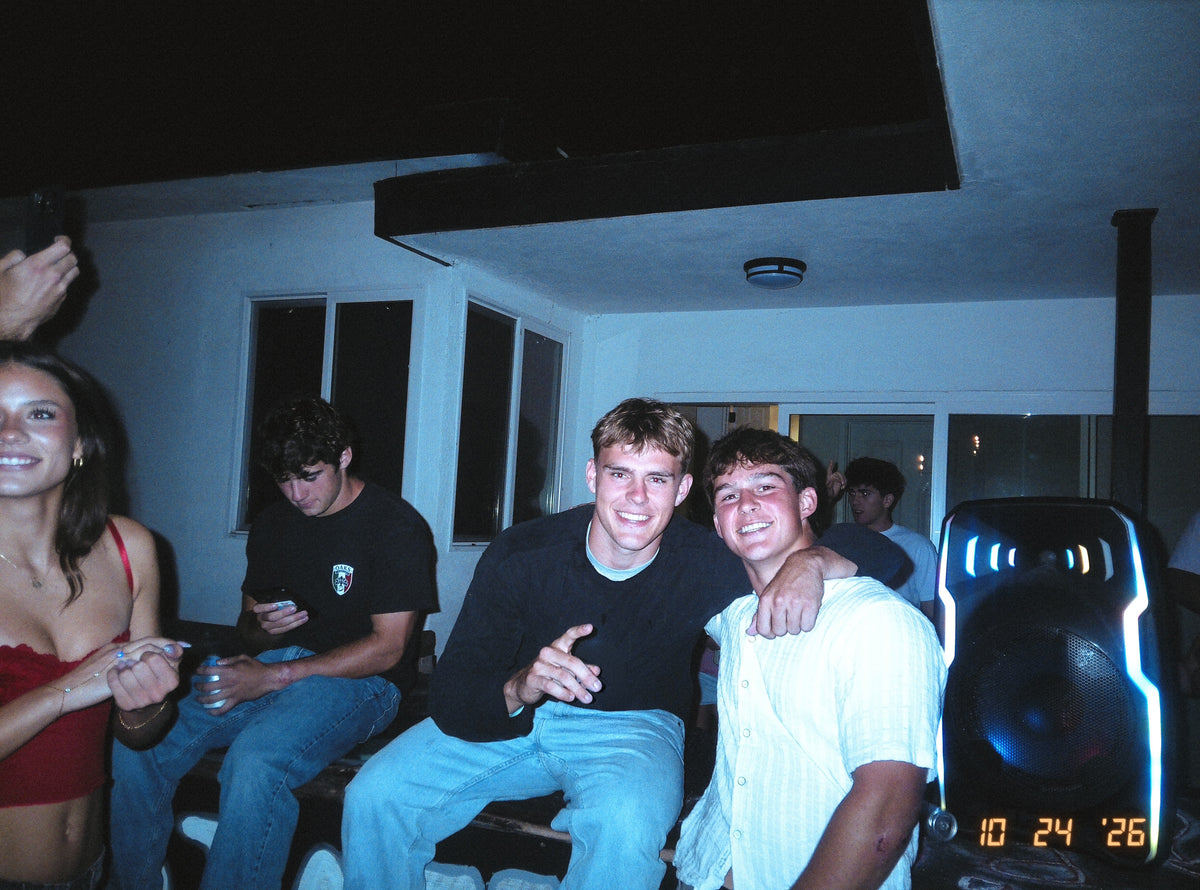 YOUR CAMERA.

 FROM YOUR ROLL, TO YOUR WALL.
Find a preset that feels like you. Choose it in the optional app, shoot on Mood, and apply it when you import.
A cable transfer doesn’t apply your app-selected Mood preset. Retro, Daze, and Mono work on the camera without the app.


Connect through the app and import over Wi-Fi. Keep the cable for whenever you’d rather plug in.


Choose your 12 favorites in the app each month. We print them, then mail them to you.
Meet the Roll ClubThe Roll Club turns the photos you keep coming back to into something you can actually keep.


12 prints · 4 × 6 inches · U.S. delivery included
Choose your favorites for the month and submit them through Roll Club in the DigiFilm app.
We print your picks and mail them out on the first of every month.
Twelve 4 × 6-inch prints to keep, pin up, or pass around. U.S. delivery is included in your $12 monthly subscription.

Your camera. Your ideas. A place for the people making something of both.
On the horizon: community events and early releases.
Everything you need before you make it your plus one.
Estimated shipping is late 2026.
No. The camera works independently, and you can transfer your photos to your phone with the included USB-C cable. The optional app adds Wi-Fi imports, Mood presets, and Roll Club.
The camera still takes photos, and you can transfer them by USB. Your selected Mood preset is only applied when you import Mood photos into the DigiFilm app. Retro, Daze, and Mono work on the camera without the app.
No. Roll Club is a separate, optional print subscription. It includes 12 monthly 4 × 6-inch prints with U.S. delivery. The first month is free, then it’s $12/month.